Single point
Pick coordinates and apply them to the connected iPhone.
Set a point, replay a route, or move with a joystick on iPhones you are authorized to test.
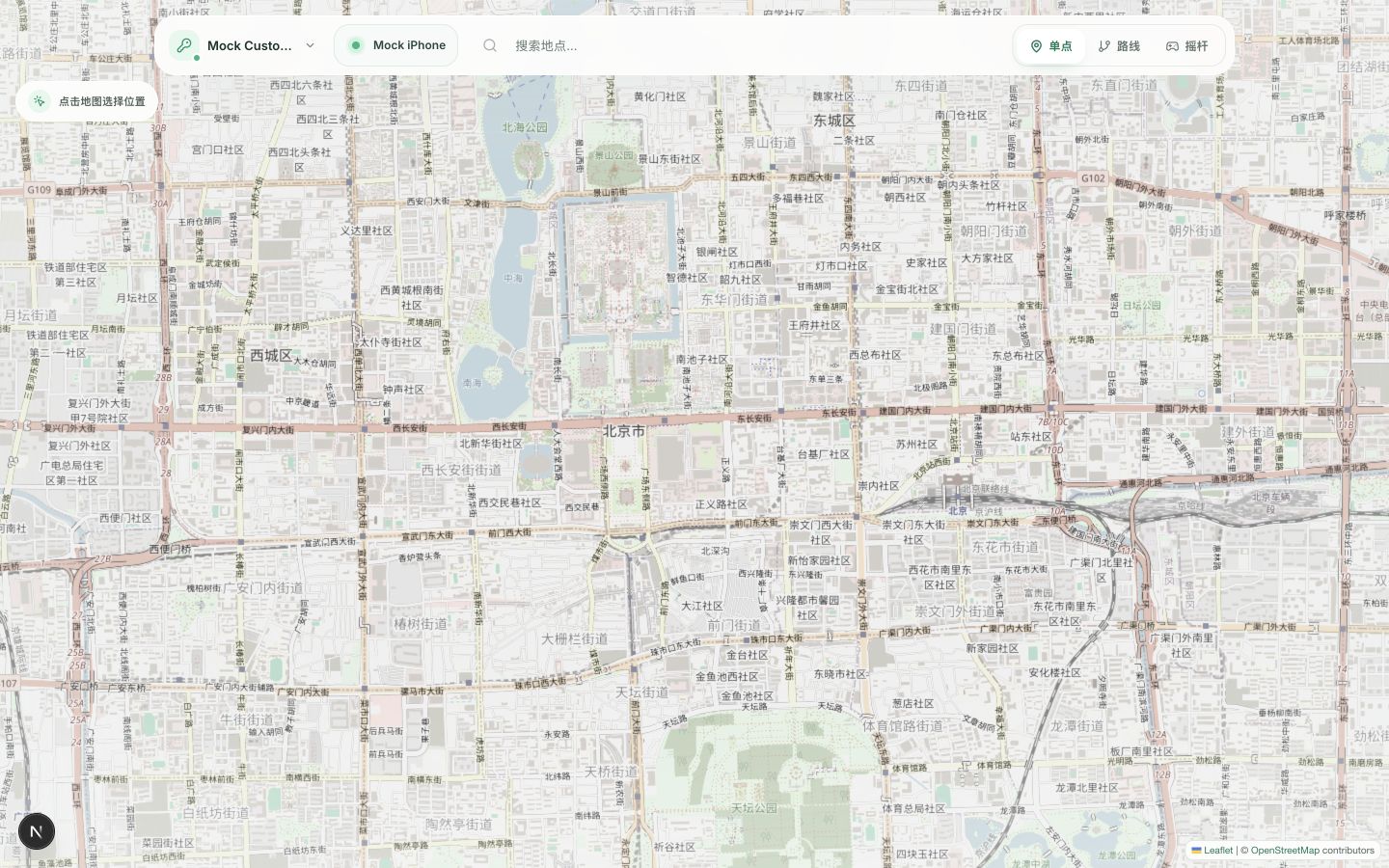
 Preview
iPhone
Preview
iPhone
Pick coordinates and apply them to the connected iPhone.
Add waypoints and replay movement for route-based flows.
Move continuously when a fixed path is too rigid.
The hosted checkout will open after a payment partner approves the product.
Review tax, renewal total, device limit, and seller details before paying.
The download and activation key are delivered to your purchase email.
Activate the Mac, connect an unlocked iPhone, then choose a control mode.
The current beta is deliberately narrow so support and expectations stay clear.
Read the privacy policyCheckout is paused while payment partners review the product. Beta access is available by request.
$9.90 / month
Auto-renews monthly until cancelled. Taxes may apply.
Checkout is not open. The final payment partner, tax, renewal total, and activation limit will be shown before payment. Refund policy.
No. ChangeAnyWhere uses Apple developer tooling from the Mac.
No. The current beta targets Apple Silicon Macs and iOS 17+. Check the requirements above before requesting access.
It can. Clear the simulated location in the app before quitting; reconnect the same device if you need to clear it later.
Use it for development, QA, and devices you are authorized to test. You remain responsible for third-party terms and local law. Terms of Service.
Cancel through the provider portal or contact support. Access continues through the paid period; first purchases have a 14-day refund window. Full policy.